In today’s digital world, your personal and financial life are more connected than ever. Whether you’re checking account balances on your phone, transferring funds online, doing a little online shopping or posting to social media — convenience is at your fingertips. Unfortunately, so are potential security risks and scams. The good news though? You don’t need to be a tech expert to stay secure. Your Financial Gurus are here to share some simple and practical tips to keep your information safe so you can stay connected and secure.
Create Strong, Unique Passwords
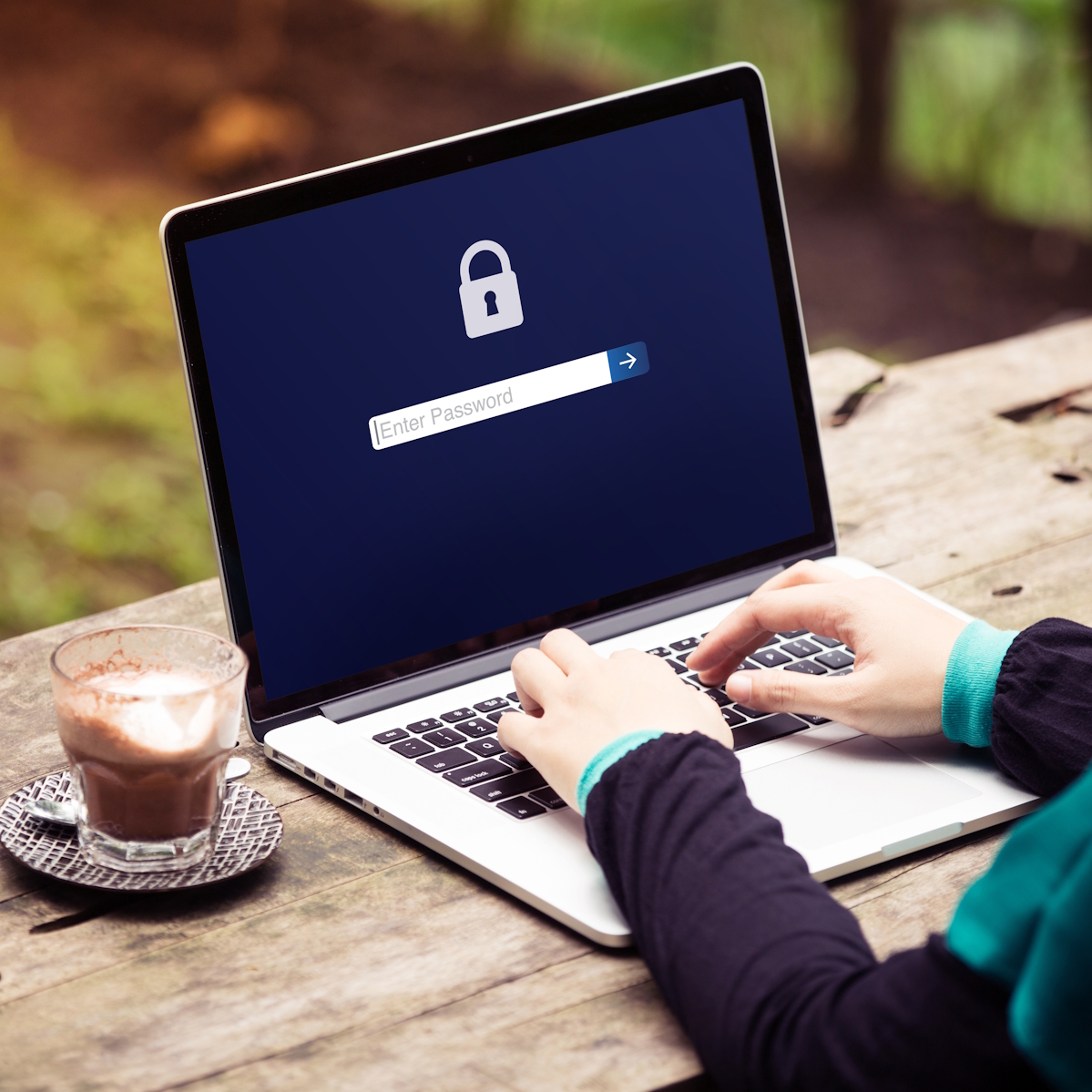
Your password is your first line of defense. Weak or reused passwords can make it much easier for scammers to gain access to your accounts. For a strong password, use the following tips as a guideline:
- Minimum character count of 12–16 characters
- Combine uppercase and lowercase letters, numbers, and symbols
- Avoid easily guessed information like birthdays or names
- Never reuse passwords across multiple accounts
With so many logins, it can feel overwhelming remembering every password. Consider using a password manager to securely store and generate strong passwords as a useful tool.
Utilize Two-Factor Authentication
Whenever possible, turn on or enable two-factor authentication. This is also commonly known as multi-factor authentication as well. It might sound technical, but it just adds an extra layer of protection by requiring more than just your password for login. These other methods of authentication can include the following:
- A one-time code sent to your phone or email address
- A biometric scan (fingerprint or face recognition on your phone)
- An authentication app
- Push notifications
WWFCU’s online and mobile banking platforms include two-factor authentication to provide added security for our members.
Use Caution with Emails and Text Messages
Scammers are getting significantly better at making messages look real. If you get an email or text asking for personal or financial information, take a moment before clicking on any links or responding. Watch out for the following:
- Messages that create urgency (“Act now!” or “Your account will be locked”)
- Links that don’t look quite right
- Requests for sensitive information
- Misspelled words or grammatical errors
- Generic greetings
- Unexpected attachments/files
When in doubt, contact the company in question directly using a number you trust, not the one in the message, to verify if the message is legit or a scam. Clicking on links or opening attachments can infect your device with malware, allowing scammers to potentially gain access to your accounts and private information.
Keep Your Devices Secure and Up to Date
Software updates aren’t just about the new emojis you can get. It also implements useful upgraded security features and fixes as well. Your phone, tablet, and computer should be protected just like your accounts. Keeping them up to date with the latest software updates can help give you an extra hidden layer of protection. Other tips include the following:
- Use antivirus or security software
- Lock your devices with a PIN, password, or use your phones biometric security
- Avoid using public Wi-Fi for sensitive transactions
- Consider using a VPN outside your trusted home network for encryption and extra security
- Install apps from trusted sources and developers only
You’ve Got This!
Keeping your online accounts safe and protected doesn’t have to be complicated. By building a few simple habits into your daily routine, you can confidently manage your accounts to protect your financial and personal information from scammers. If something doesn’t feel right, it’s always okay to stop and reach out for help. Your Financial Gurus and the entire team at WWFCU are here for you, and it’s better to ask questions than to take a risk that could be costly. If you ever need support, we’re just a call or click away!
Sincerely,
Your Financial Gurus